Smart Lock Bluetooth Options Built for The Everyday American Life
With Amazon packages on the porch, DoorDash at the front step, and kids coming in through the garage, it’s obvious why every American household is looking to buy a Bluetooth smart lock.
For a lot of households, Bluetooth hits a sweet spot. You get simple smart home entry, smartphone app control nearby, and easy setup Bluetooth access at the door, without building the whole setup around a cloud connection.
Bluetooth Smart Lock vs. WiFi Smart Lock
The first choice most shoppers make is not brand or finish. It is Bluetooth or WiFi.
A Bluetooth-only smart lock is built around local use. Your phone talks to the lock when you are within Bluetooth range, which usually means longer battery life, no constant internet connection for day-to-day unlocking, and no hub required for basic use.
A WiFi lock is better if remote control is the main reason you are buying, but that usually brings more network dependence into the setup.
That is why a lot of shoppers like Bluetooth for the doors they actually use all day. The lock still feels smart, but the experience stays lighter. There is a lot to like about local-access-only when you are heading in through the garage with groceries, grabbing a DoorDash order from the front step, or letting a family member in without dealing with key copies.
| What Matters Most | Bluetooth Smart Lock | WiFi Smart Lock |
| Everyday unlocking at the door | Strong fit | Strong fit |
| Remote control from anywhere | Usually needs a bridge or gateway | Usually built in |
| Battery life | Usually better | Usually shorter |
| Setup | Simpler for many homes | More network-heavy |
| Internet dependence | Lower | Higher |
If you like the idea of Bluetooth now but may want remote features later, a built-in bridge or gateway can work as a bridge for wifi extension without changing the whole lock on the door.
Where a Bluetooth Smart Door Lock Makes the Most Sense
A Bluetooth smart door lock works best when the entry routine matters more than remote management. That is why it fits so well in everyday U.S. living setups, especially homes with heavy side-door traffic, townhomes with shared entry patterns, condos where hallway WiFi can be spotty, and rentals where people want smart access without overcomplicating the install.
It is an easy fit for:
This is also where Bluetooth has a practical edge. A lot of people do not need to unlock the door from another state every day. They need a lock that works quickly at the door, keeps things simple, and gives them peace of mind with local security during the normal in-and-out rhythm of home life.
What Shoppers Usually Care About Most
The best Bluetooth smart locks 2026 shoppers keep comparing tend to be picked on the same points, including access options, battery life, everyday convenience, and how well the lock fits the actual door.
Features that move the needle in daily use include:
For some shoppers, install style matters just as much as features. A retrofit installation or a lock that works with an existing deadbolt can be a better fit than replacing everything on the door at once.
How to Shop Bluetooth Smart Lock Options From Simpled
Simpled’s Bluetooth range covers a few different door types and buying priorities, which is exactly what most shoppers need. One household may want a straightforward front-door lock with app access and fingerprint entry. Another may need a slimmer handle set for an aluminum or UPVC door. Someone else may want Bluetooth today and a wider smart-home path later.
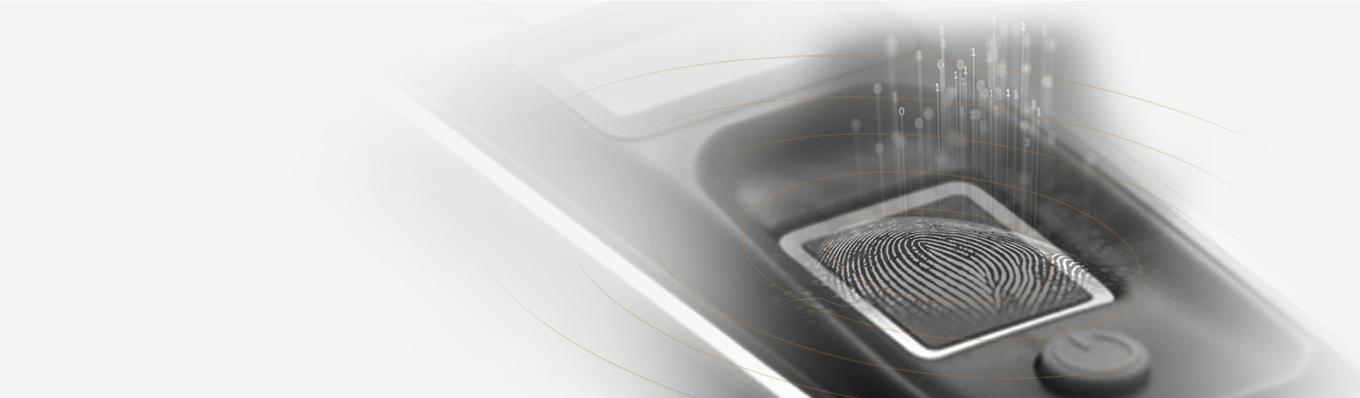
The KF Smart Lock With Built-in WiFi Bridge works well for homes, private rooms, and office spaces that want Bluetooth for daily use but do not want to rule out remote control later. It supports app access, fingerprint, password, RFID card, eKeys, and a mechanical key.
That makes it a strong fit for a busy family door, a small rental, or a side entry where local use happens every day, and remote access is still nice to have.
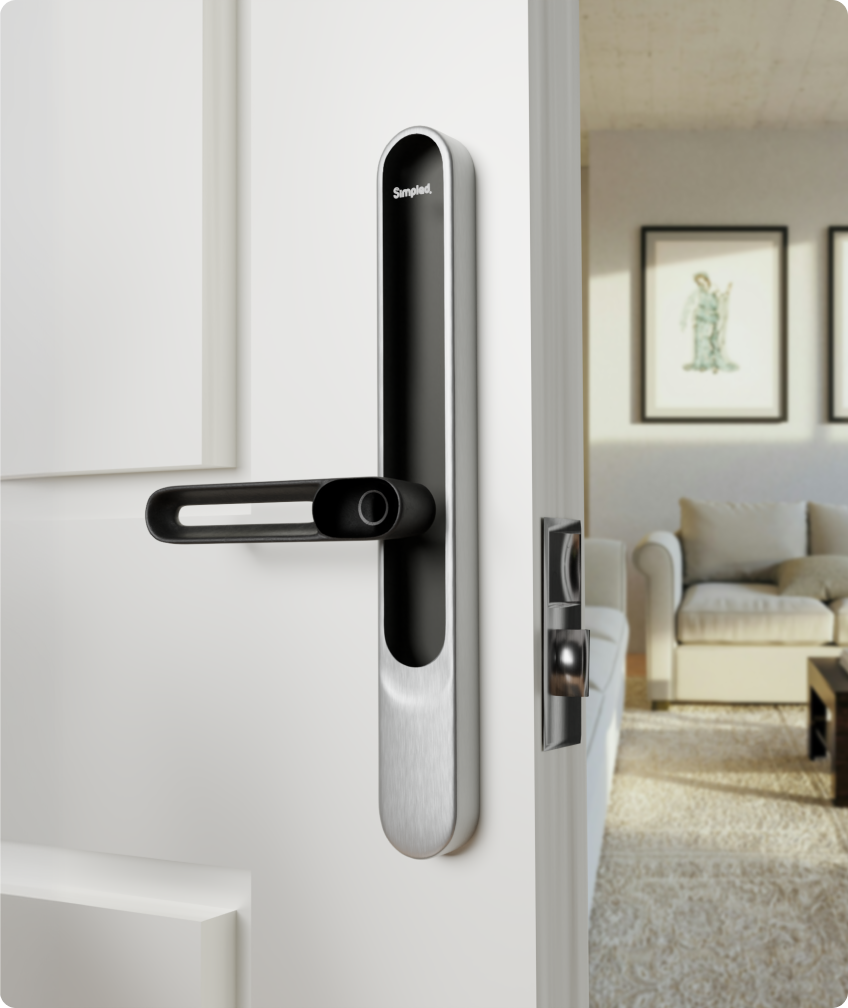
The Leverline AF and LF Smart Lock fits doors that need a slimmer handle profile and a more compact design. It supports app access, Apple Watch, fingerprint, passcode, proxy fob, phone tag, NFC on supported phones, and emergency key entry.
Simpled also has add-ons that make a Bluetooth setup more useful in the real world. The Door Sensor adds open-and-closed awareness, which helps on entry doors that get constant traffic.
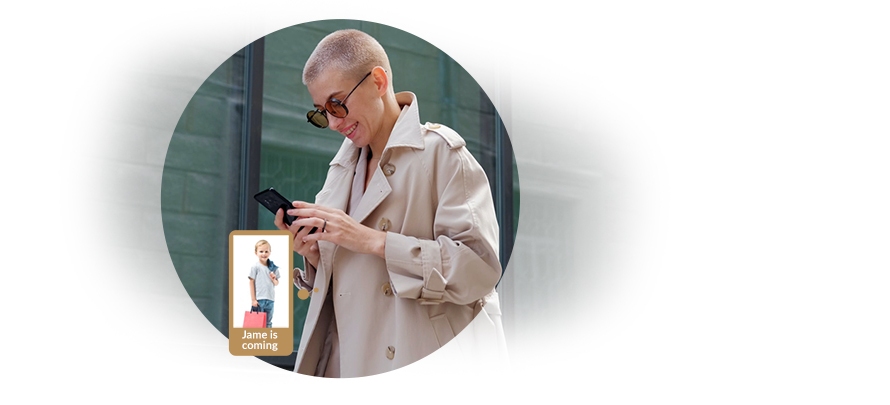
The Contactless Phone Tag Pack gives family members, guests, or staff a quick tap-to-unlock option. The MG Matter Gateway adds a path toward remote management and broader connected-home control for compatible setups.
| Simpled Product | Best Fit | What Stands Out |
| KF Smart Lock With Built-in WiFi Bridge | Front doors, side doors, offices, private rooms | Multiple unlock methods plus built-in bridge |
| Leverline AF and LF Smart Lock | Aluminum, wooden, and UPVC doors | Slim profile, broad access options, compact design |
| Door Sensor | Busy entry points | Door-open and door-closed awareness |
| Contactless Phone Tag Pack | Family, guest, or staff access | Fast tap entry |
| MG Matter Gateway | Shoppers who want a wider smart-home setup later | Remote management path for compatible locks |
Pick the Bluetooth Setup That Fits Your Door and Your Routine
A Bluetooth lock is a strong fit when your biggest priority is fast access at the door, lighter setup, and less day-to-day dependence on WiFi. That makes a lot of sense for the entry points people use most, especially the garage door into the kitchen, the side door by the mudroom, the front entry with porch deliveries, or a private room where shared access needs to stay simple.
Start with the door type, then look at the access mix that fits how the space actually gets used. Some shoppers want fingerprint and passcode on the main family entry. Some want app control and phone tags for a private office. Some want Bluetooth first, then a gateway later if the setup grows.
Shop the Bluetooth smart lock range and choose the lock that fits your door, your traffic, and the way people actually come and go.