SmartCode Door Locks Made for American Homes and Offices
You know the drill. Somebody gets back from school or soccer practice before you do, the cleaner is due at noon, an Amazon package is sitting on the porch, and the one spare key that was “always in the drawer” is suddenly gone.
That is why a smartcode door lock should be on every door. It is a faster way to get in, a cleaner way to share access, and a front door upgrade that just makes sense for any American.
Why SmartCode Door Locks Keep Showing Up on Busy Doors
A smartcode door lock is popular for the same reason garage keypads, video doorbells, and package alerts took off so quickly in the U.S. For shoppers who want an electronic smartcode keypad lock, the draw is usually pretty simple.
It solves a daily hassle without adding much friction. Instead of passing around copies of a key, you can use programmable user codes, custom access codes, fingerprints, tags, or app access, depending on the lock.
For a lot of shoppers, that means no more lost keys, fewer lockouts, and a cleaner handoff for family, guests, dog walkers, cleaners, and short-term visitors.
This style of keyless smartcode door lock also lands in a sweet spot between a plain keypad lock and a full smart home setup. Some people want a programmable code door lock and nothing more.
Others want remote control, a low battery indicator, an auto lock feature, and door status feedback. The best smartcode door lock is the one that matches the door, the traffic, and how many people need to get in without turning every trip through the entry into a phone task.
SmartCode Door Lock vs Full Smart Locks
A lot of American shoppers start with the same question: should you buy smartcode door locks, or jump straight to a full WiFi, Bluetooth, or biometric setup? The short answer is that a smartcode electronic deadbolt or handle works best for people who care most about fast entry, easy code programming, and solid everyday use.
A full smart lock setup makes more sense if remote control, deeper app settings, and broader automation sit high on your list.
That is where the smartcode vs WiFi smart lock and smartcode vs fingerprint door lock question starts to matter. Some buyers want a touchscreen smartcode lock or touchpad keyless entry because they like the clean look and quick code entry.
Others care more about a lighted keypad, one-touch locking, and a backup mechanical key. There are also shoppers searching for a smartcode Z-Wave lock or smartcode Zigbee lock, but not every house needs hub-based automation at the front door.
A lot of homes simply need a battery-operated lock that opens fast, locks reliably, and lets you hand out access without copying keys.
Keypad Deadbolt or Smart Handle?
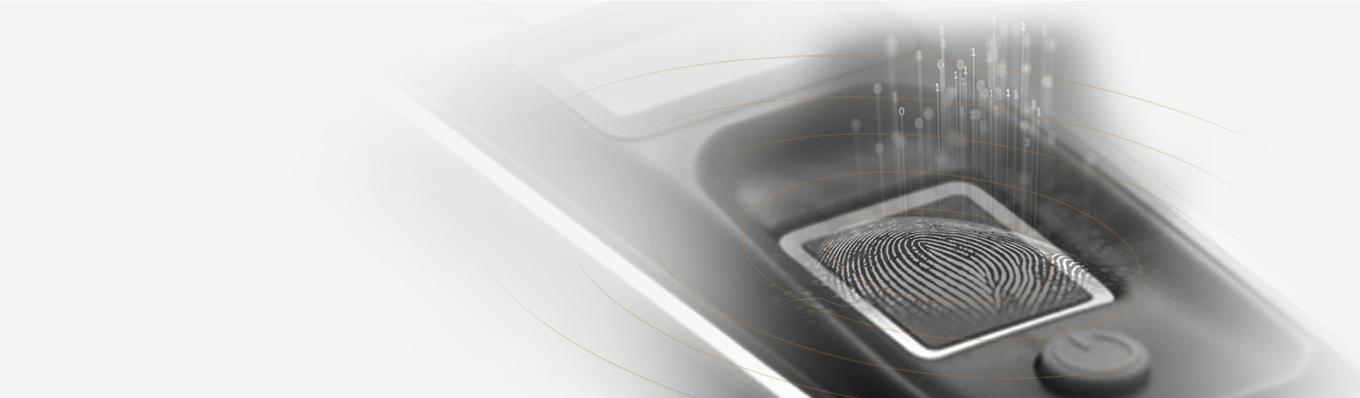
The most important factor is door style versus traffic pattern. If you are shopping for a smartcode electronic deadbolt feel, the KF Smart Lock With Built-in WiFi Bridge is the closest match. It gives you fingerprint, password, RFID card, Bluetooth app access, eKeys, and a backup mechanical key in one lock, with the WiFi bridge already built in.
It also supports up to 100 fingerprints, 250 passwords, and 1,000 cards, which makes it a strong fit for households or small spaces with multi-user access. The built-in door sensor also gives it a strong auto-lock feature for people who want the lock to notify them about the door closing.
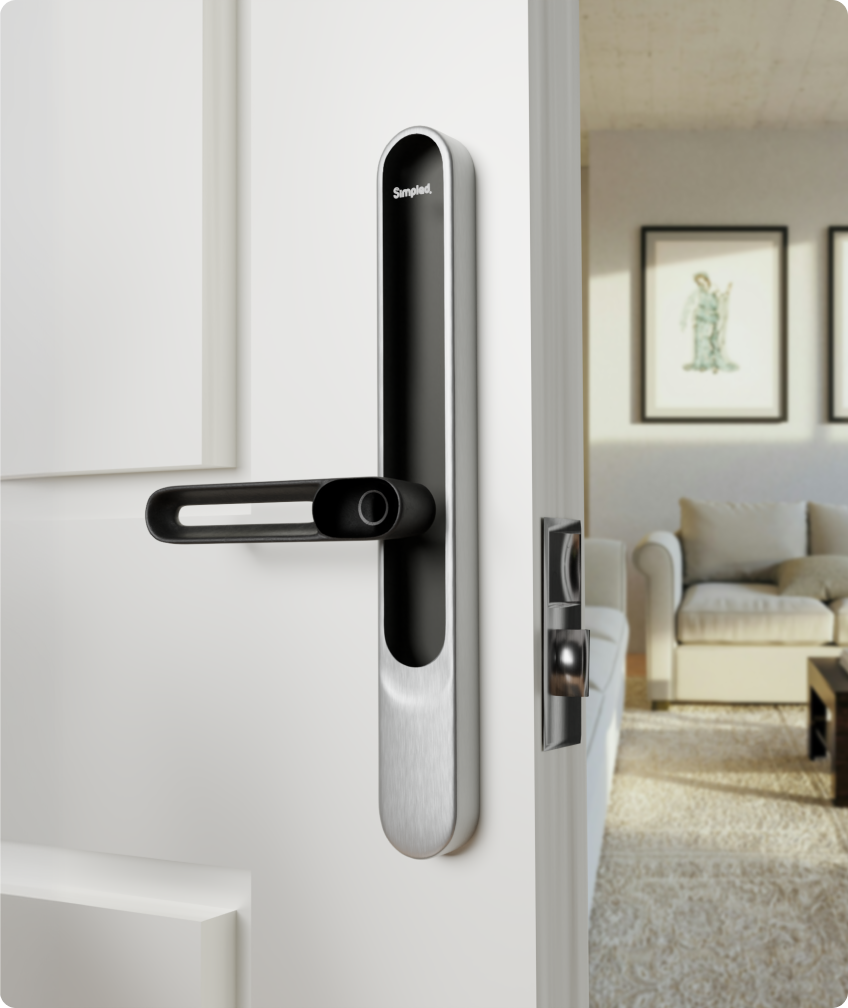
If your door is a better match for a lever setup, the Leverline AF and LF models make more sense. They work well for apartments, private offices, side entries, interior doors, and other spaces where a handle-style lock feels more natural than an electronic keypad deadbolt.
You still get a strong list of entry methods, including smartphone access, Apple Watch, fingerprint, passcode, proxy fob, phone tag, NFC on supported phones, and an emergency key.
Features like passage mode, panic exit, and auto-lock also make the Leverline a useful smartcode for apartment or mixed-use access, not just a front entry swap.
What American Shoppers Usually Want From SmartCode Door Locks
Most people do not buy a smartcode keypad entry system because they want more settings to manage. They buy one because they want fewer little problems. A renter-friendly electronic lock can save you from hiding a key under a flowerpot.
A smartcode for home setup can give your teenager, cleaner, in-laws, or dog walker their own code instead of one shared key. A durable electronic lock can also cut down on those small but constant frictions, like setting groceries down just to dig through your bag, or texting someone a last-minute “the spare key is under the mat” message you never liked sending in the first place.
Feature priorities usually get practical fast. Some shoppers care most about one-touch locking as they head out to work. Some want a motorized deadbolt feel and tamper-resistant hardware on the main entry. Some want easy programming mode for code changes.
Others care about a low battery indicator, a lighted keypad for late arrivals, grade 2 security shopping cues, or a setup that works with existing door prep. If you are thinking in terms of retrofit installation, start with the current hole layout, door thickness, and how much drilling you want to avoid.
A lot of the “best keypad electronic door lock” decision comes down to fit, not what’s the most expensive or looks the coolest.
Compare Simpled SmartCode Door Lock Options
If you want to buy smartcode door lock options from one range without guessing, the easiest move is to match the product to the entry style first, then add the extras that close the gap between “good enough” and “this actually fits my day.” Here is the cleanest way to look at the current lineup.
| Product | Best Fit | Ways In | What Stands Out |
| KF Smart Lock With Built-in WiFi Bridge | Main doors, garage-entry doors, busy household doors | Fingerprint, password, RFID card, app, eKeys, mechanical key | Built-in WiFi bridge, strong multi-user access, built-in door sensor |
| Leverline AF / LF Smart Lock | Apartments, private rooms, offices, side entries, handle-style doors | Smartphone, Apple Watch, fingerprint, passcode, proxy fob, phone tag, NFC, emergency key | Slim handle format, passage mode, panic exit, auto-lock |
| MG Matter Gateway | Households that want app control tied more closely into a Matter-ready setup | Add-on gateway | Remote management for compatible locks through 2.4 GHz WiFi and Matter-ready platforms |
| Simpled Door Sensor | Doors where open or closed status matters as much as lock status | Add-on sensor | Door status feedback and phone alerts when paired with the right bridge setup |
| Contactless Phone Tag Pack of 4 | Family access, guest access, staff access, quick tap entry | Tap-entry tag | Simple keyless solution for people who want fast, no-code entry |
The KF is the better pick if your goal is a smartcode for home lock on a high-traffic door. The Leverline is the better pick if you want a slimmer handle-style smartcode keyless entry setup.
The MG Matter Gateway makes more sense for shoppers who want a broader smart home layer around a compatible lock, while the Door Sensor and Phone Tags are the add-ons that make daily use smoother.
What to Check Before You Buy
Before you choose a smartcode door lock, slow down for a minute and look at the real-life door, not just the product photo. The best match usually shows up fast once you run through a short checklist.
Shop SmartCode Door Locks Made for American Homes
The right smartcode door lock should make a busy door feel less annoying, not more advanced for the sake of it. If you want a smartcode touchpad deadbolt-style setup with built-in WiFi, wider access options, and strong multi-user access, start with the KF.
If a slimmer handle lock fits the door better, the Leverline AF and LF are the easier fit. Add the MG Matter Gateway, Door Sensor, or Phone Tags where they actually match the way the door gets used, and you end up with peace of mind and security that feels practical every single day.